

Live screen
See your Windows desktop on your phone and switch between monitors.
A mobile control experience built to view and manage your Windows computer from your phone. Live screen, touchpad, keyboard and game controls in one flow.
Explore the control
Pick a mode and see its interface up close. Screens are demo previews with sample data.
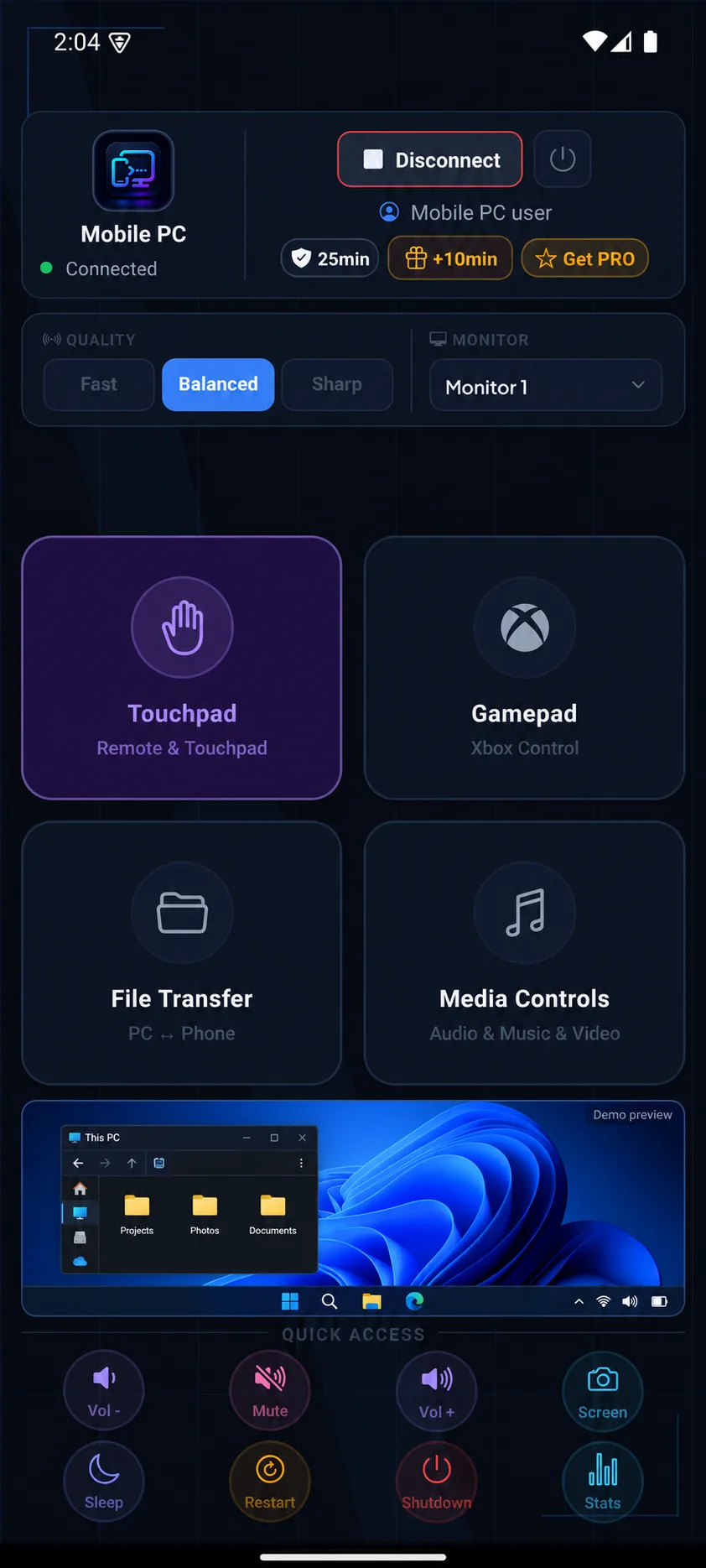
Connection, quality, monitor choice and quick access in one place.
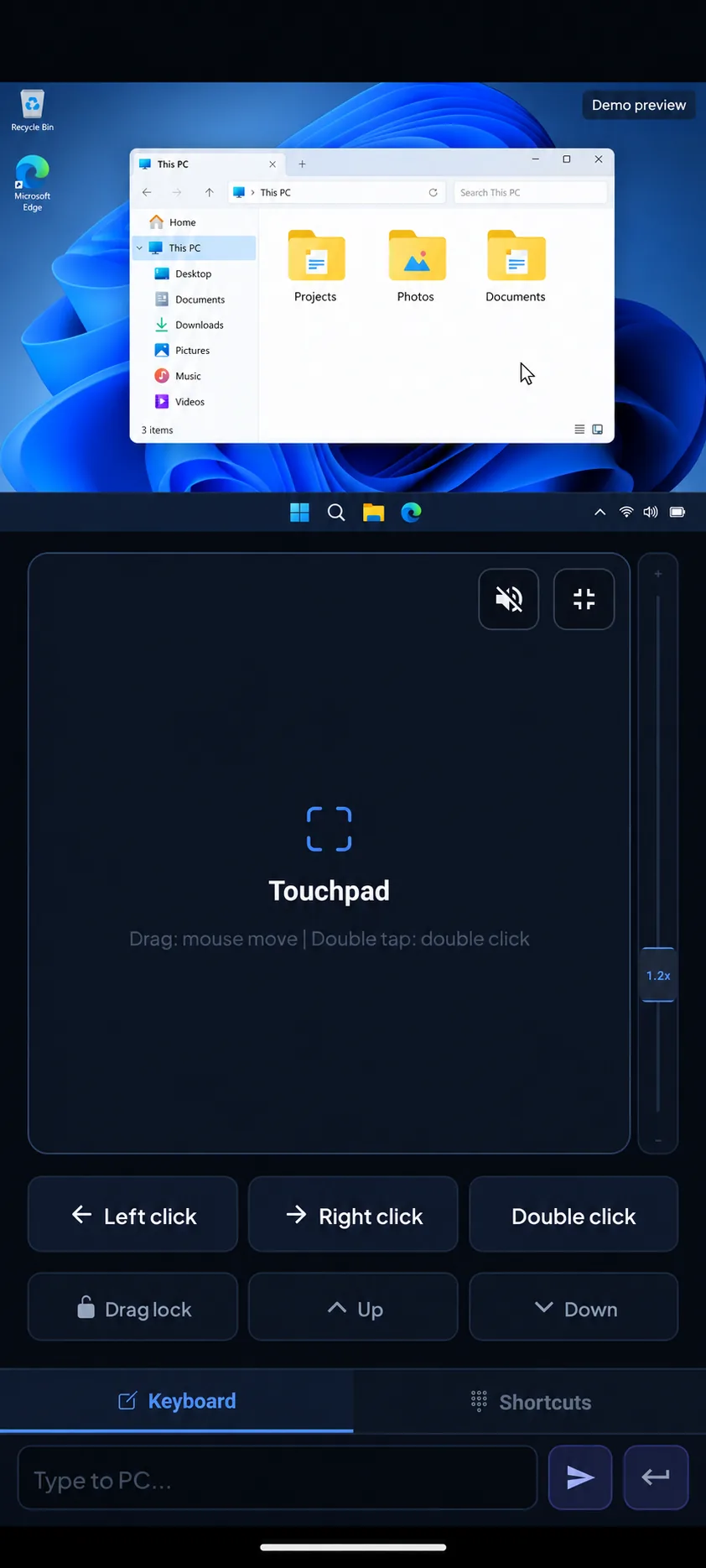
Drag to move, double tap to click, drag lock, keyboard and shortcuts.
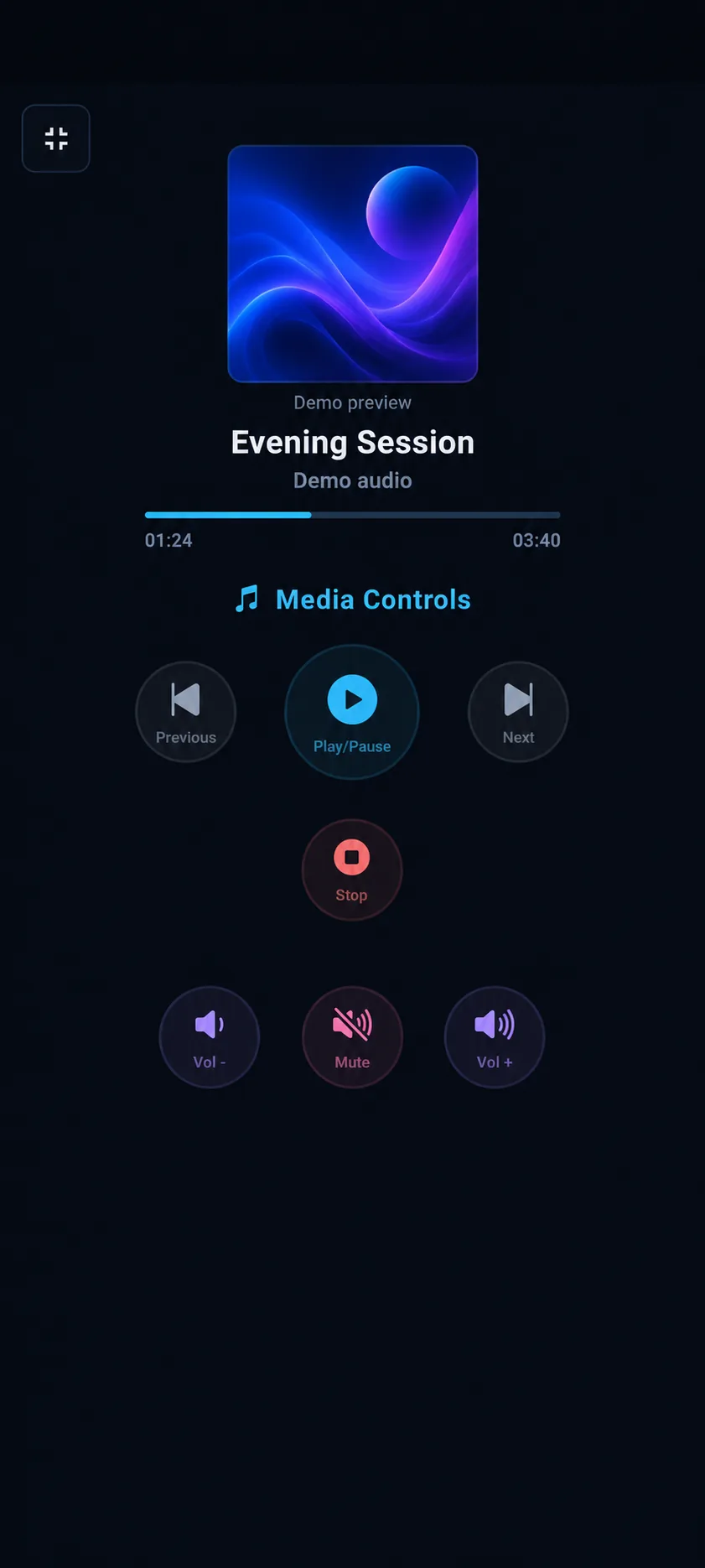
Play, pause, skip and adjust volume without leaving your seat.
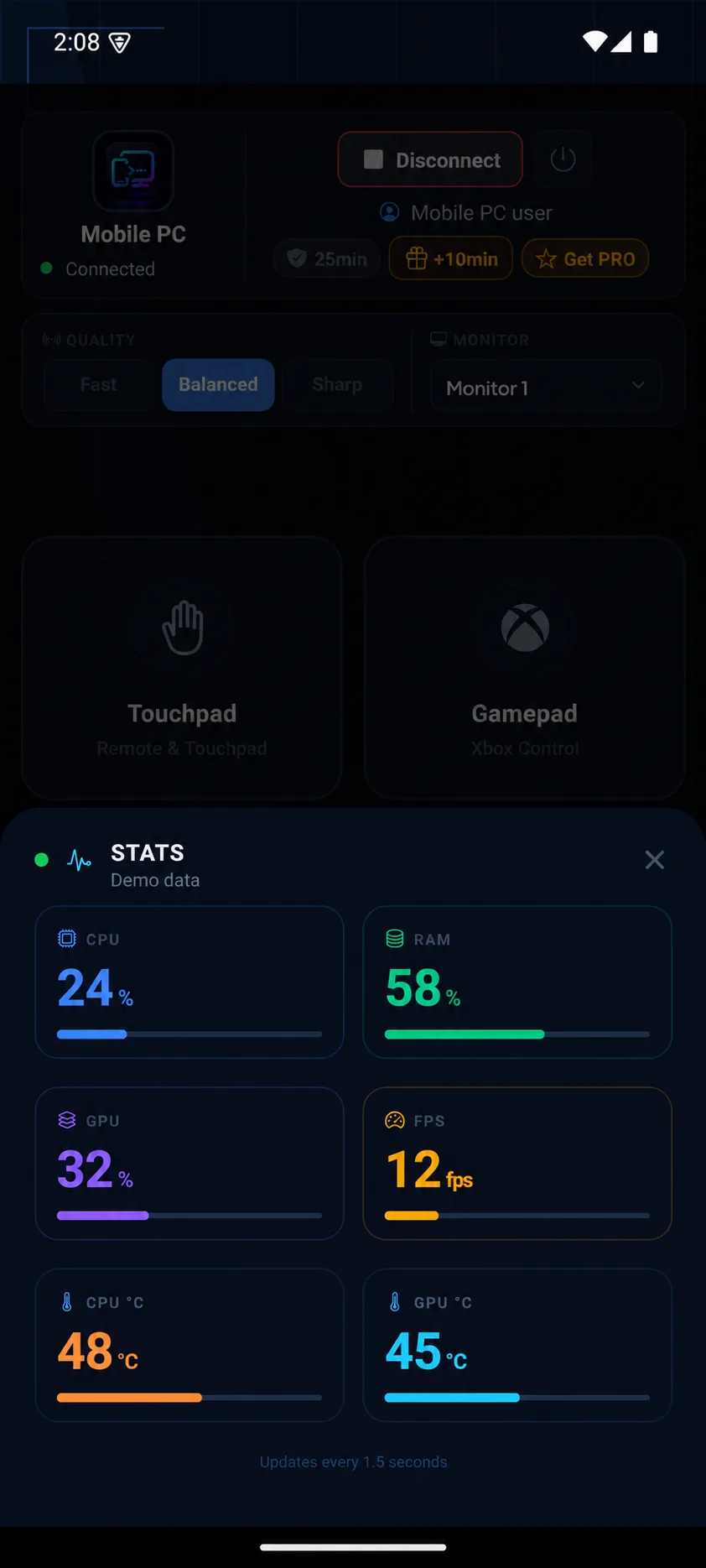
Live CPU, RAM, GPU, FPS and temperature values at a glance.
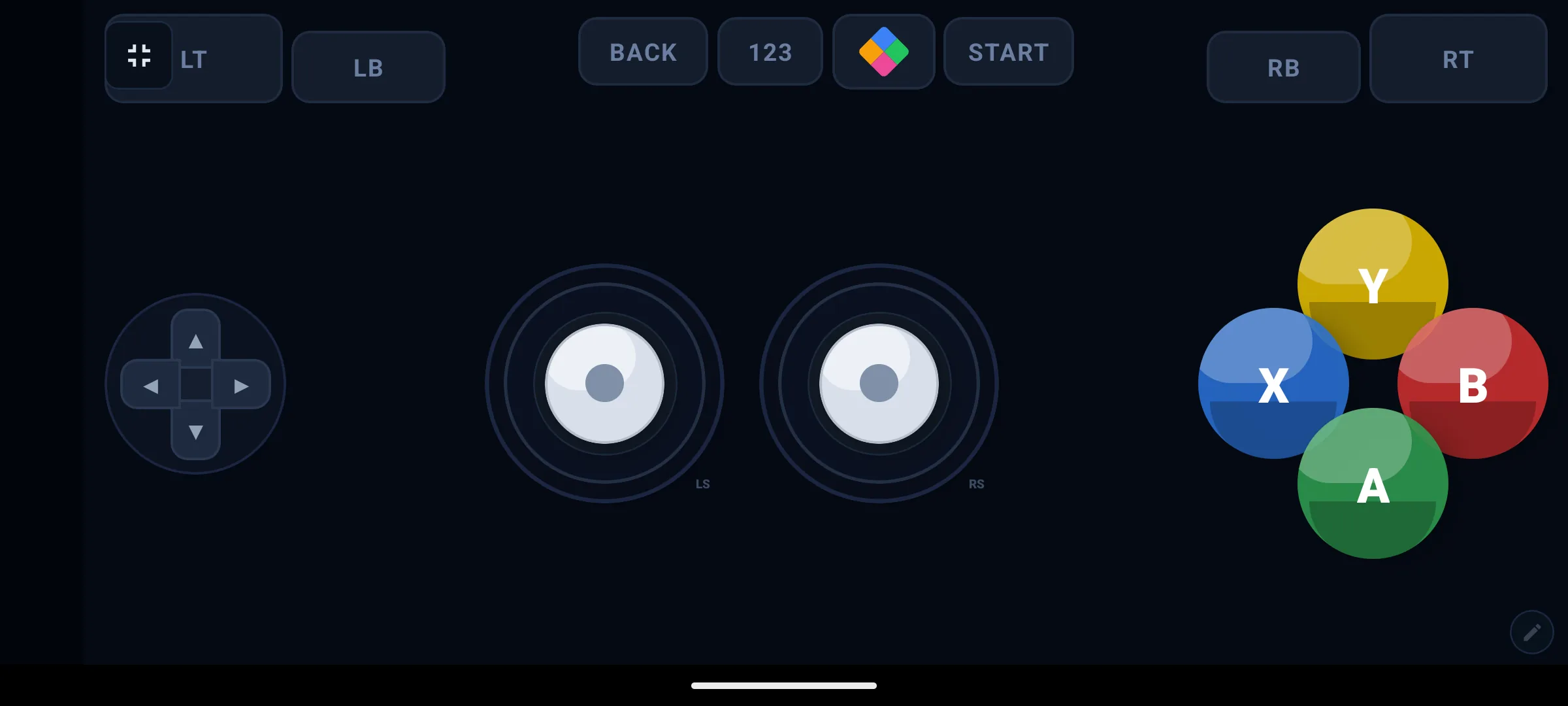
A full on-screen Xbox-style layout: two sticks, D-pad, triggers and face buttons.
Screens are demonstration previews with sample content and values.
See your Windows desktop on your phone and switch between monitors.
Choose Fast, Balanced or Sharp to match your connection.
Move, click, scroll, type and use shortcuts from the phone.
Play with sticks, D-pad, triggers and buttons on screen.
Playback, volume, sleep, restart and shutdown at your fingertips.
Follow CPU, RAM, GPU, FPS and temperatures in real time.
Keep the phone and the Windows computer on the same Wi-Fi network.
Switch between the main panel, touchpad, gamepad, media and system views.
Work, present, play or relax — from wherever you are in the room.
Our project focused on accessing and controlling a computer from a mobile device.
Mobile and desktop interfaces; Connection and interaction between devices; User experience and application development
Contact us for the current version and the scope of use.
You don't need a ready technical specification. Sharing your goal, your current situation and what you expect is enough.
Start a project conversation